XCIPTV vs GSE Smart IPTV: Which App Is Better?
XCIPTV vs GSE Smart IPTV comparison. Performance, Chromecast support, iOS compatibility, and features compared.
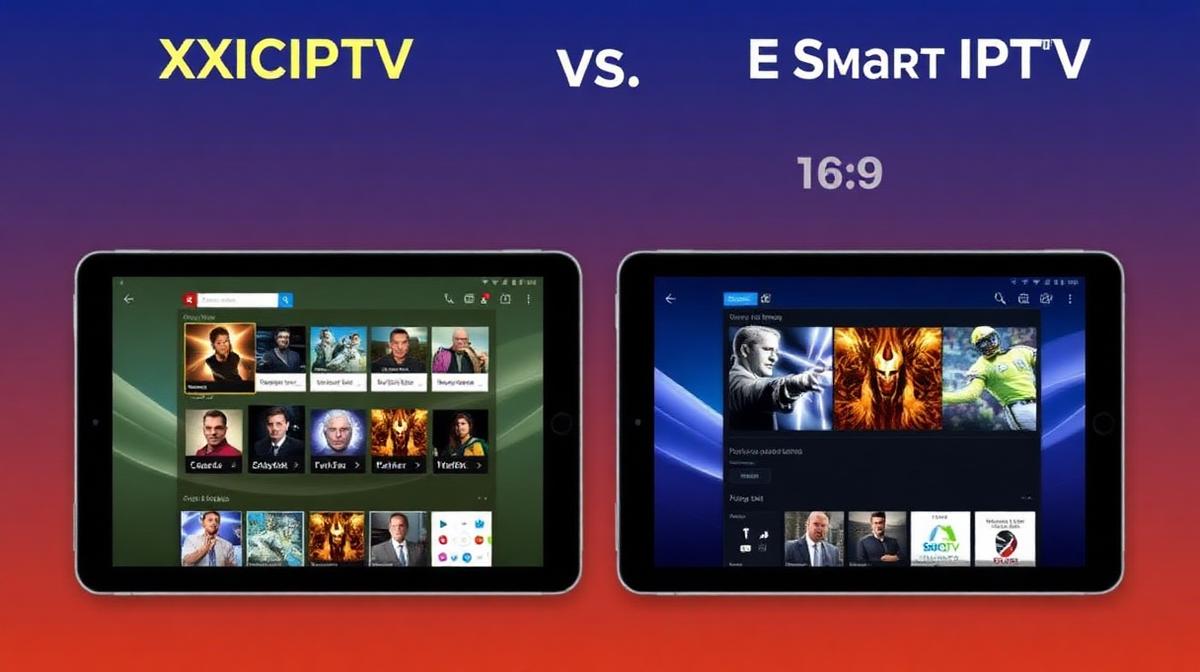
XCIPTV and GSE Smart IPTV are two popular mid-range IPTV players. XCIPTV is an Android-only app known for its clean layout. GSE Smart IPTV works on both Android and iOS. This comparison helps you decide which fits your setup.
💡 Key Takeaways
- XCIPTV has a modern, clean interface optimized for Android TV.
- GSE Smart IPTV supports both Android and iOS platforms.
- Both support M3U, Xtream Codes, and JSON playlist formats.
- GSE offers Chromecast casting; XCIPTV does not.
- XCIPTV is free; GSE has a free version with a paid Pro upgrade.
📌 Disclaimer
Quick Overview
XCIPTV is a lightweight Android IPTV player. It focuses on simplicity and speed. GSE Smart IPTV is a feature-rich player available on both Android and iOS. It includes extras like Chromecast support and advanced playlist management.
| Feature | XCIPTV | GSE Smart IPTV |
|---|---|---|
Platform | Android / Android TV | Android & iOS |
Price | Free | Free + Pro ($5.99) |
M3U Support | ||
Xtream Codes | ||
Chromecast | ||
EPG Support | Basic | Good |
External Player | ||
Best For | Android TV boxes | iOS & Casting |
Interface & Design
XCIPTV has a dark, modern interface. Categories appear in a left sidebar. Channels load in a grid on the right. It feels fast and clean on Android TV devices.
GSE Smart IPTV uses a tabbed layout. Sections for Live, VOD, and Series are easy to find. The design works well on both phones and tablets. On TV, it needs more clicks to navigate.
XCIPTV Interface
- Dark theme: Easy on the eyes for long viewing
- Sidebar navigation: Quick access to channel groups
- Channel grid: See channel logos and names at a glance
- Minimal clutter: No ads in the free version
GSE Smart IPTV Interface
- Tabbed layout: Live TV, Movies, Series separated
- Search function: Find channels quickly by name
- Playlist manager: Add, edit, and organize multiple playlists
- Theme options: Light and dark mode available
For Android TV IPTV apps, XCIPTV is a solid choice. Its sidebar layout works great with a remote control.
Features Comparison
GSE Smart IPTV packs more features than XCIPTV. It supports Chromecast, parental controls, and JSON playlists. XCIPTV keeps things simple but covers the basics well.
✅ XCIPTV Strengths
- Completely free with no ads
- Lightweight and fast loading
- Clean Android TV interface
- External player support (MX, VLC)
- Auto-reconnect on stream failure
- Simple setup process
✅ GSE Smart IPTV Strengths
- Chromecast casting support
- iOS and Android compatibility
- Parental controls with PIN
- JSON playlist format support
- Advanced EPG with grid view
- Built-in subtitle support
💡 Pro Tip
Playlist & Format Support
Both apps support the standard IPTV playlist formats. You can use M3U URLs, Xtream Codes login, or local playlist files. GSE adds JSON format support, which some providers offer.
| Format | XCIPTV | GSE Smart IPTV |
|---|---|---|
M3U URL | ||
M3U Local File | ||
Xtream Codes API | ||
JSON Format | ||
Multiple Playlists | ||
EPG (XMLTV) |
Both apps work with any top-rated IPTV service. Just enter your M3U link or Xtream Codes details to get started.
Device Compatibility
GSE Smart IPTV supports more platforms. It runs on Android, iOS, and supports Chromecast casting. XCIPTV is Android-only but runs well on Android TV boxes and Firestick.
XCIPTV Works On
- Android phones and tablets
- Android TV boxes (Formuler, BuzzTV)
- Amazon Firestick and Fire TV
- NVIDIA Shield TV
GSE Smart IPTV Works On
- Android phones and tablets
- iPhones and iPads (iOS)
- Chromecast (via casting)
- Android TV and Firestick
Performance & Stability
XCIPTV is lighter and uses less memory. It starts faster and switches channels quicker. GSE Smart IPTV uses more resources due to its extra features. Both handle HD streams well.
| Performance | XCIPTV | GSE Smart IPTV |
|---|---|---|
App Size | ~15 MB | ~45 MB |
Memory Usage | Low | Medium |
Channel Switch Speed | Fast (1-2s) | Medium (2-3s) |
HD Streaming | ||
4K Support | ||
Buffer Recovery | Good | Good |
Which One Wins?
Choose XCIPTV if you want a fast, free, no-fuss player for Android TV or Firestick. Its lightweight design means fewer crashes and faster channel switching.
Choose GSE Smart IPTV if you need iOS support, Chromecast casting, or parental controls. The Pro version ($5.99) removes ads and adds extra features.
| Use Case | Best Choice |
|---|---|
Android TV Box | XCIPTV |
Firestick | XCIPTV |
iPhone / iPad | GSE Smart IPTV |
Chromecast Casting | GSE Smart IPTV |
Lightest App | XCIPTV |
Most Features | GSE Smart IPTV |
Parental Controls | GSE Smart IPTV |
Find the Best IPTV Service
Compare top 20 providers to pair with XCIPTV or GSE Smart IPTV
See Provider RankingsFrequently Asked Questions
Find the Right IPTV Provider
Our expert team has reviewed and ranked the top 20 IPTV services for 2026. Compare features, pricing, and performance to make an informed decision.
Independent reviews • Updated for 2026
Written by
IPTV Reviews Team
Our team of streaming experts is dedicated to helping you find the best IPTV solutions. With years of experience in the industry, we provide in-depth guides, reviews, and tutorials.
You Might Also Like
Best IPTV Apps for Android TV in 2026
Top 5 IPTV apps for Android TV compared. TiviMate, IPTV Smarters, Perfect Player, OTT Navigator, and XCIPTV tested for speed and features.
IPTV on Chromecast: Complete Casting Guide (2026)
How to watch IPTV on Chromecast. Google TV apps, phone casting, and PC browser casting methods. Works on all Chromecast models.
Best IPTV Service Providers (2026) — Top 20 Tested
Discover the top 20 IPTV providers in 2026. Compare features, pricing, and channels. Find the perfect streaming service for your needs. Updated reviews.