Linux IPTV: Best Open Source Streaming Solutions (2026)
Best IPTV players for Linux. VLC, Kodi, Hypnotix, and mpv setup guides for Ubuntu, Mint, Fedora, and Arch.
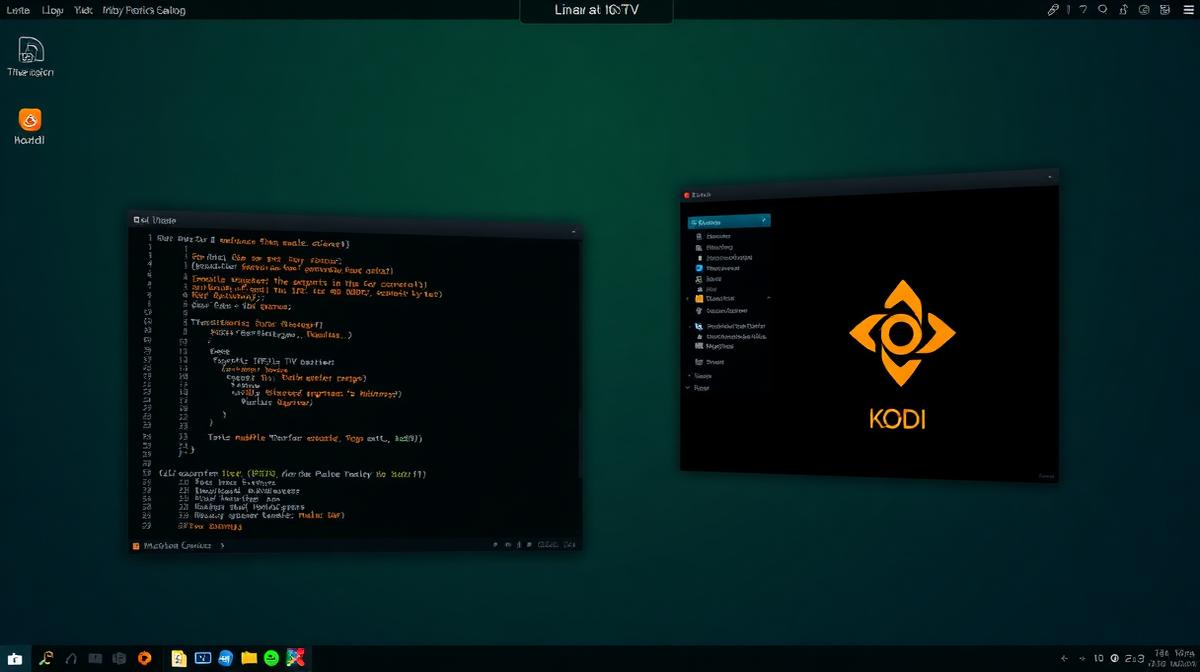
Linux is one of the best platforms for IPTV. Free, open-source players like VLC, Kodi, Hypnotix, and mpv all handle M3U playlists natively. This guide covers the top IPTV solutions for Ubuntu, Mint, Fedora, and other distros. Looking for a provider? See our best IPTV service providers guide.
🔑 Key Takeaways
- VLC and Kodi are the top IPTV players for Linux — both free
- Hypnotix is a built-in IPTV player on Linux Mint
- mpv is the best lightweight command-line option
- All major distros support IPTV (Ubuntu, Mint, Fedora, Arch)
- Every player listed is 100% free and open-source
📌 Disclaimer
Can You Watch IPTV on Linux?
Yes. Linux has excellent IPTV support. Most popular media players on Linux handle M3U playlists out of the box. Some distros even include a built-in IPTV player (Hypnotix on Linux Mint).
Unlike Firestick or Roku, Linux gives you complete control. You can choose your player, customize the interface, and even build your own IPTV setup with scripts.
| Feature | VLC | Kodi | Hypnotix | mpv | FreetuxTV |
|---|---|---|---|---|---|
Price | Free | Free | Free | Free | Free |
M3U Support | |||||
EPG Guide | |||||
GUI Interface | |||||
Channel Logos | |||||
4K Support | |||||
System Resources | Low | Medium | Low | Very Low | Low |
Best For | General Use | Power Users | Mint Users | Terminal Users | GTK Desktops |
VLC Media Player on Linux
VLC is the most popular media player on Linux. It's available in every distro's package manager. Setup takes about 2 minutes.
✅ VLC on Linux
- Available in all major distro repositories
- Supports M3U, M3U8, and network streams
- Hardware-accelerated decoding (VAAPI, VDPAU)
- 4K and HDR playback support
- Extremely lightweight — runs on old hardware
⚠️ Limitations
- No built-in EPG or program guide
- No channel logos or categories
- Basic playlist navigation
Install VLC
Choose your distro:
- Ubuntu/Debian:
sudo apt install vlc - Fedora:
sudo dnf install vlc - Arch:
sudo pacman -S vlc - Flatpak (any distro):
flatpak install flathub org.videolan.VLC
Open VLC
vlc in terminal.Open Network Stream
Click Media → Open Network Stream (Ctrl+N). Paste your M3U playlist URL.
Need a provider? Browse the top 20 tested IPTV services.
Browse Channels
Optional: Command Line
You can also play directly from terminal:
vlc https://your-provider.com/playlist.m3u
🎉 Streaming! Your channels load instantly.
Kodi on Linux (Most Powerful)
Kodi is the best full-featured IPTV player for Linux. It offers EPG guides, PVR recording, channel logos, custom skins, and advanced add-ons. The same setup works on Xbox and Chromecast with Google TV.
Install Kodi
- Ubuntu:
sudo apt install kodi - Fedora:
sudo dnf install kodi - Arch:
sudo pacman -S kodi - Flatpak:
flatpak install flathub tv.kodi.Kodi
Install PVR IPTV Simple Client
First install the PVR add-on package for your distro:
sudo apt install kodi-pvr-iptvsimple (Ubuntu/Debian)
Then open Kodi → Add-ons → My Add-ons → PVR Clients → PVR IPTV Simple Client.
Configure M3U and EPG
Open the add-on settings:
- General: Set M3U Playlist URL
- EPG Settings: Set XMLTV EPG URL
- Channel Logos: Set logo path if available
Enable and Restart
Enjoy Full IPTV Experience
Browse by category, use the EPG guide, set favorites, and record shows.
🎉 Complete IPTV setup!
💡 Kodi as a Dedicated IPTV Box
Hypnotix: Built-In IPTV for Linux Mint
Hypnotix is a dedicated IPTV player that comes pre-installed on Linux Mint. It supports M3U playlists, EPG, channel logos, and an organized channel list. No extra software needed if you run Mint.
Open Hypnotix
Add Your IPTV Provider
Click the hamburger menu → Preferences → Providers. Click Add.
- Name: Your provider's name
- Type: M3U URL
- URL: Your M3U playlist link
Load and Browse
✅ Hypnotix Advantages
- Pre-installed on Linux Mint — zero setup
- Clean GTK interface matches Mint desktop
- EPG and channel logos supported
- Lightweight and fast
⚠️ Limitations
- Only available on Linux Mint by default
- No Xtream Codes API support
- Fewer customization options than Kodi
mpv Player: Lightweight Command-Line IPTV
mpv is the most lightweight IPTV player available. It runs entirely from the terminal. No GUI overhead means it works perfectly on low-spec hardware and servers. Great for Linux power users.
Install mpv
- Ubuntu:
sudo apt install mpv - Fedora:
sudo dnf install mpv - Arch:
sudo pacman -S mpv
Play an IPTV Stream
- Single channel:
mpv https://stream-url.com/channel - Full M3U playlist:
mpv --playlist=https://provider.com/playlist.m3u - With hardware accel:
mpv --hwdec=auto https://stream-url.com/channel
💡 mpv Keyboard Controls
FreetuxTV & Other Linux IPTV Options
FreetuxTV is a lightweight GTK-based IPTV player. It's designed specifically for watching TV on Linux desktops. Other options include GNOME Videos (Totem) and SMPlayer.
FreetuxTV
- Install:
sudo apt install freetuxtv(Ubuntu/Debian) - Supports M3U and XMLTV EPG
- Organizes channels into groups
- Lightweight GTK interface
Other Options
- GNOME Videos (Totem): Can play M3U files. Built into GNOME desktop.
- SMPlayer: MPV/MPlayer frontend with playlist support.
- Celluloid: Modern GTK frontend for mpv with M3U support.
For a completely different approach, you can also set up IPTV on a Samsung Smart TV or LG Smart TV connected to your Linux machine.
Troubleshooting Common Issues
Here are fixes for the most common Linux IPTV problems.
Buffering or Stuttering
- Enable hardware acceleration: VAAPI (Intel/AMD) or VDPAU (NVIDIA)
- In VLC: Tools → Preferences → Input/Codecs — set cache to 3000 ms
- In mpv: add
--cache=yes --demuxer-max-bytes=50M - Use wired Ethernet instead of Wi-Fi
No Video (Audio Only)
- Install required codecs:
sudo apt install ubuntu-restricted-extras - Update GPU drivers (Mesa for AMD/Intel, proprietary for NVIDIA)
- Try a different video output:
mpv --vo=gpu --gpu-context=x11
Kodi PVR Add-on Not Available
- Install separately:
sudo apt install kodi-pvr-iptvsimple - Flatpak Kodi may need manual add-on installation
- Restart Kodi after installing the package
Playlist Won't Load
- Test the URL with
curl:curl -I https://your-playlist-url.m3u - Check if your firewall blocks outgoing connections
- Make sure your IPTV subscription is active
Frequently Asked Questions
📝 Article Summary
- VLC and Kodi are the best IPTV players for Linux — both free and open-source
- Linux Mint includes Hypnotix, a built-in IPTV player
- mpv is the lightest option for terminal users
- All major distros fully support IPTV streaming
- Enable hardware acceleration (VAAPI/VDPAU) for best performance
🔥 Find the Best IPTV Provider for Linux
Compare 20 tested IPTV services with M3U playlist support
View Provider Rankings →Find the Right IPTV Provider
Our expert team has reviewed and ranked the top 20 IPTV services for 2026. Compare features, pricing, and performance to make an informed decision.
Independent reviews • Updated for 2026
Written by
IPTV Reviews Team
Our team of streaming experts is dedicated to helping you find the best IPTV solutions. With years of experience in the industry, we provide in-depth guides, reviews, and tutorials.
You Might Also Like

How to Install IPTV on Firestick: Step-by-Step
Complete guide to installing and setting up IPTV on Amazon Firestick in just 5 minutes.
What is IPTV Service? Complete Guide 2026
Learn everything about IPTV services, how they work, and why they are the future of television streaming.
Best IPTV Service Providers (2026) — Top 20 Tested
Discover the top 20 IPTV providers in 2026. Compare features, pricing, and channels. Find the perfect streaming service for your needs. Updated reviews.